Windographer version 6 is here
More than automation.
More confidence in every decision.
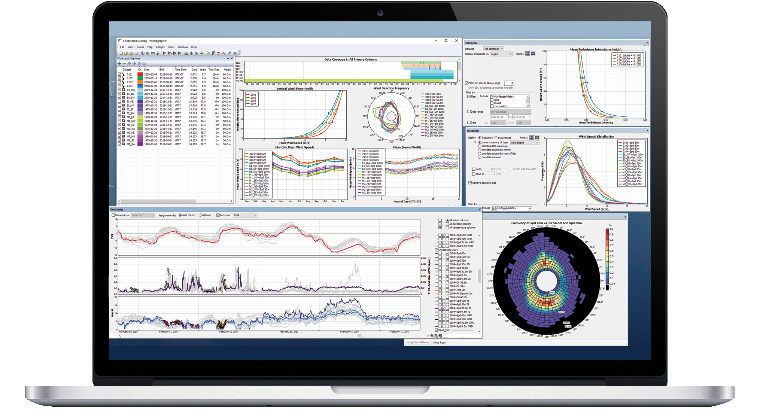
Your process. Consistent, repeatable and traceable.
Define your analysis process once and reuse it across datasets and projects, from data import and quality control to reconstruction, adjustments, reporting and export.
- Less repetition. More consistency. Save and share Workflows, and review detailed logs of each processing step.
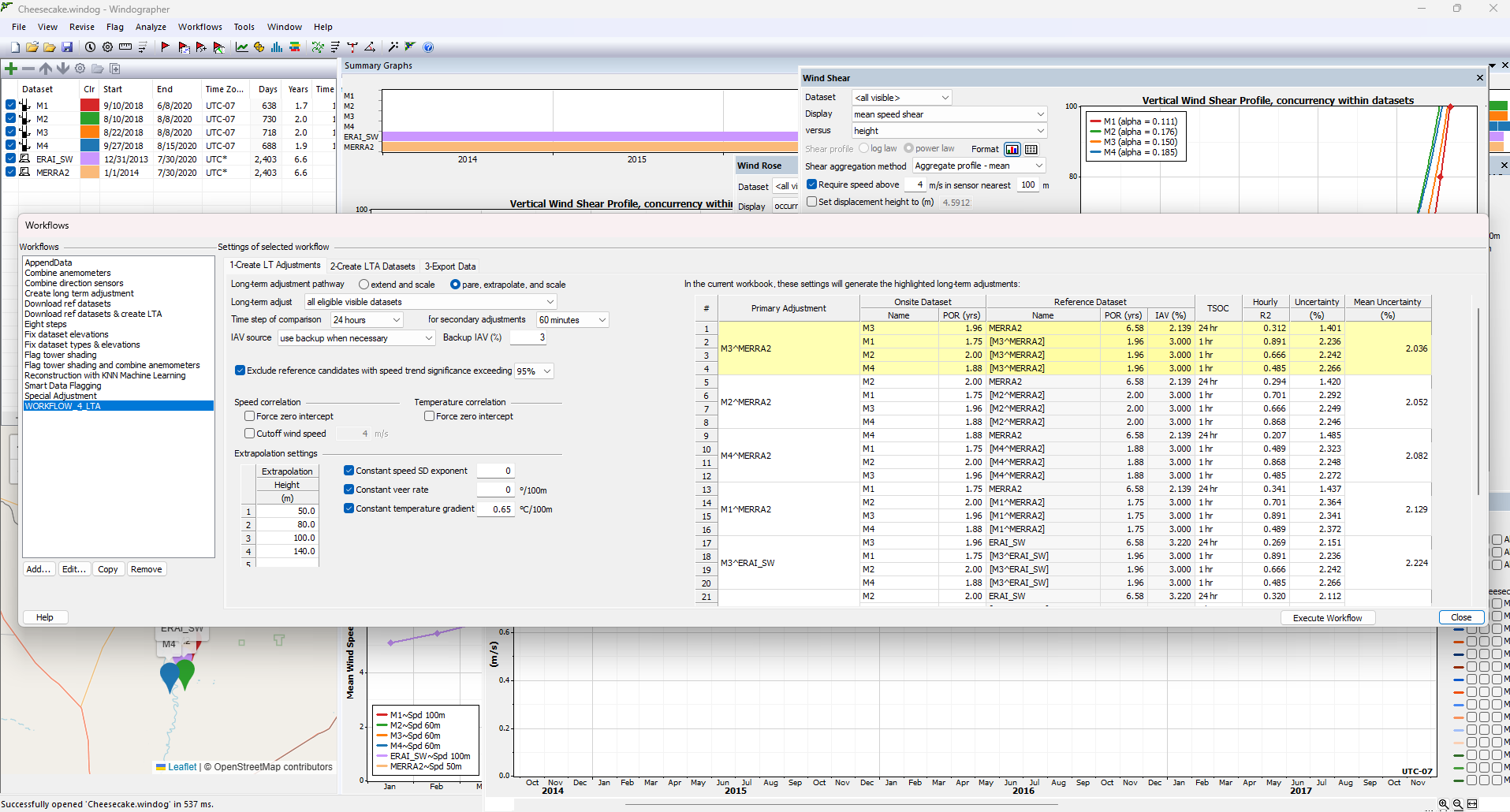
- Compare analysis choices. Evaluate alternative primary and reference dataset combinations for long-term adjustment and compare their uncertainty.
The right action. The right dataset. The right period.
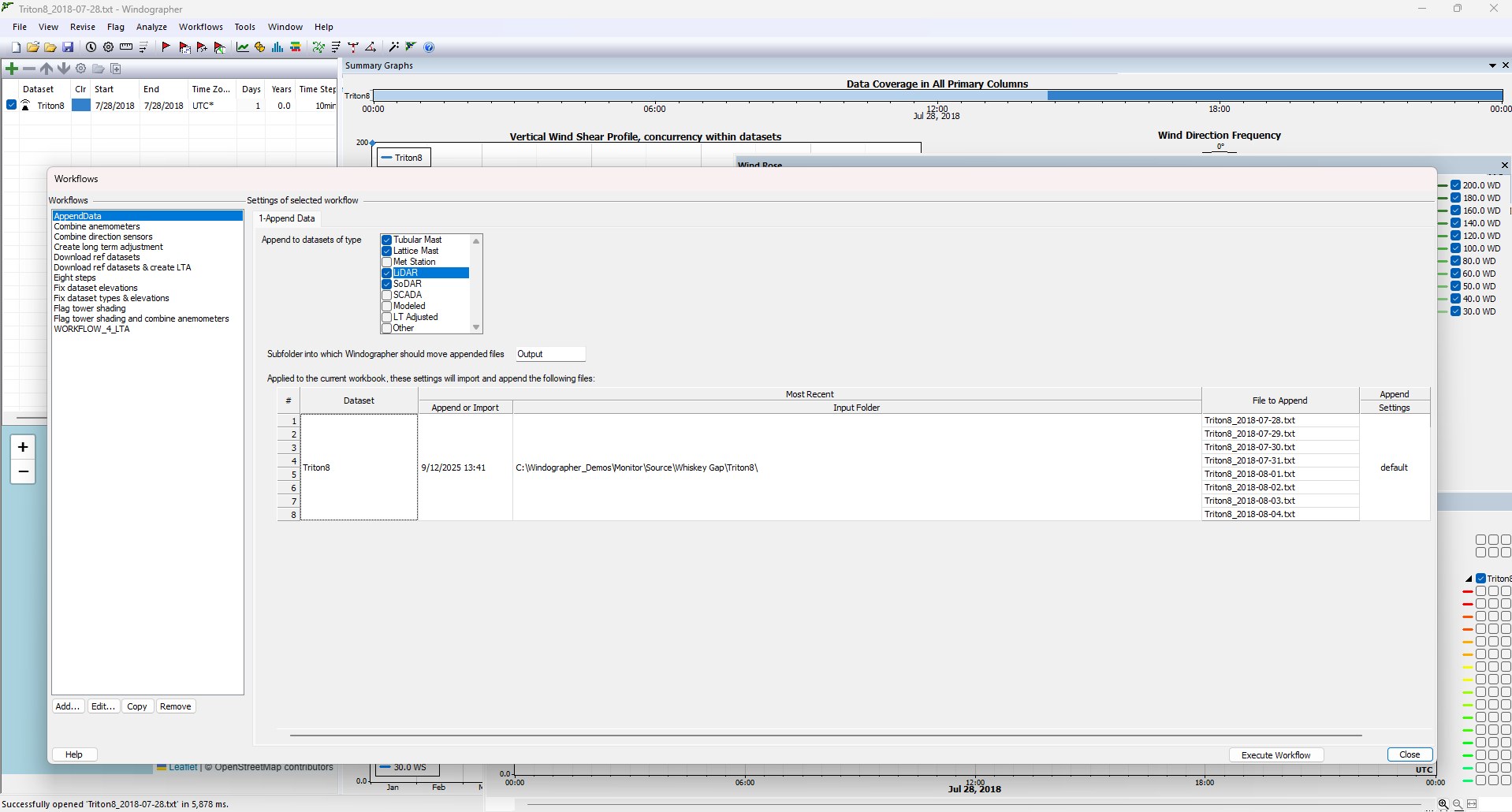
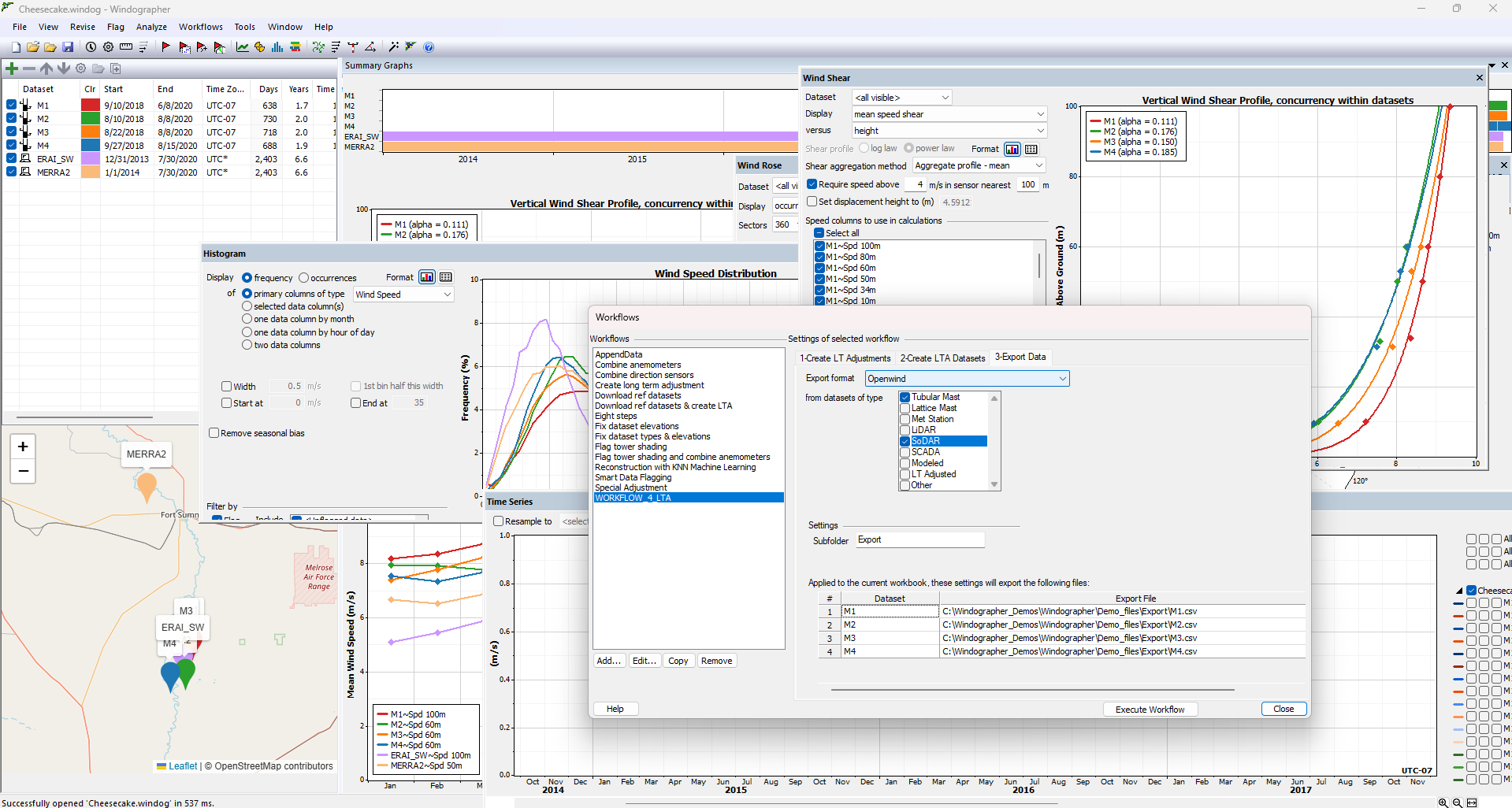
- Target each step precisely. Apply actions by dataset type, name, nickname, description, period of record, timestep, column count and measurement-height criteria.
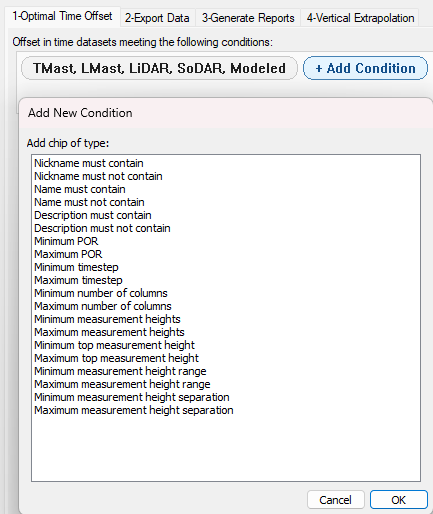
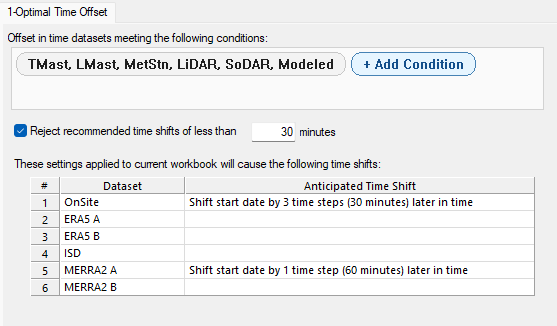
- Align your time series. Use Optimal Time Offset to identify and apply the recommended time shift against the first dataset in your Windog file.
- Keep recurring reports current. Select Last Month or Last Complete Calendar Month without manually updating reporting dates.

Connect your analysts. Share your standards.
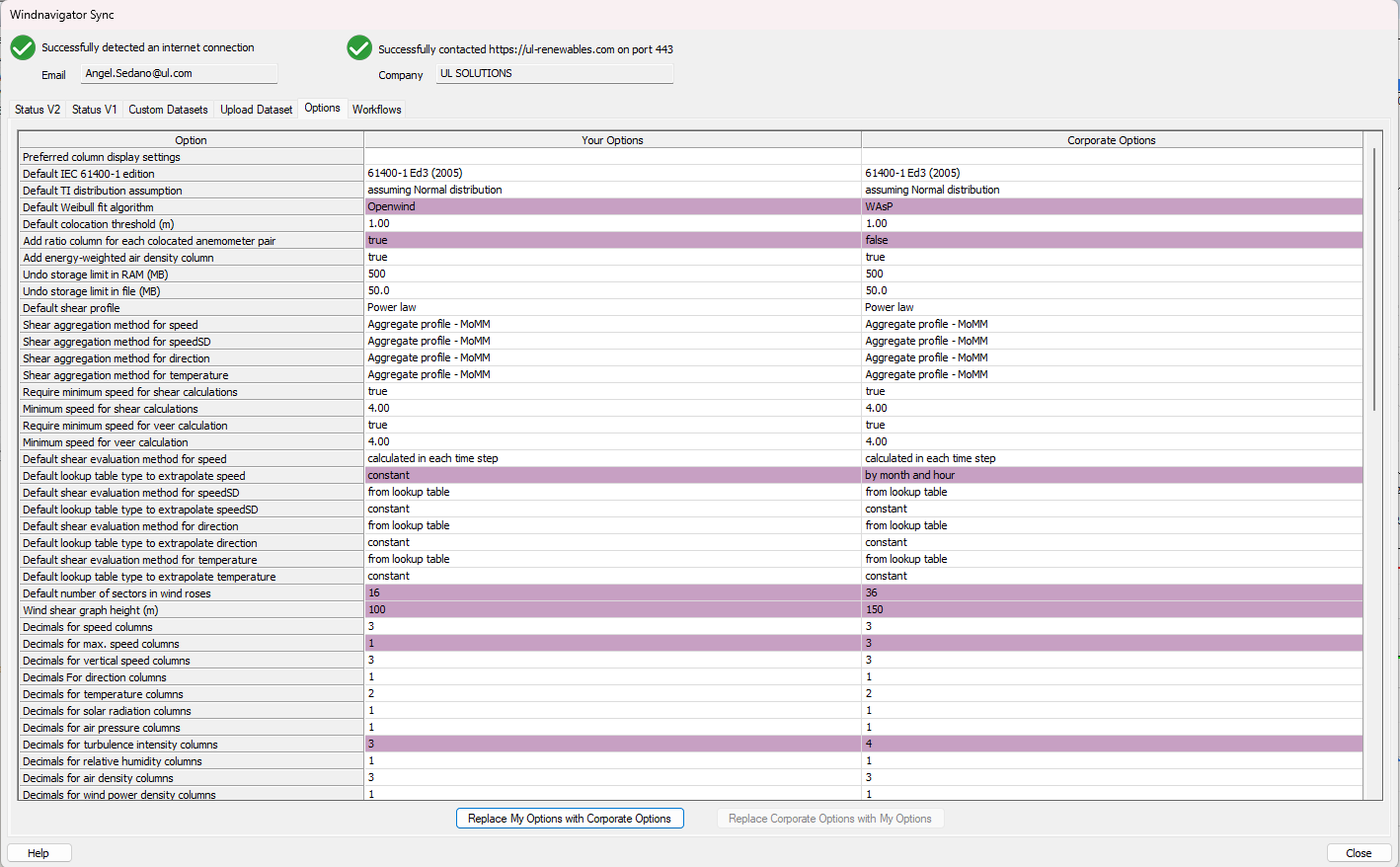
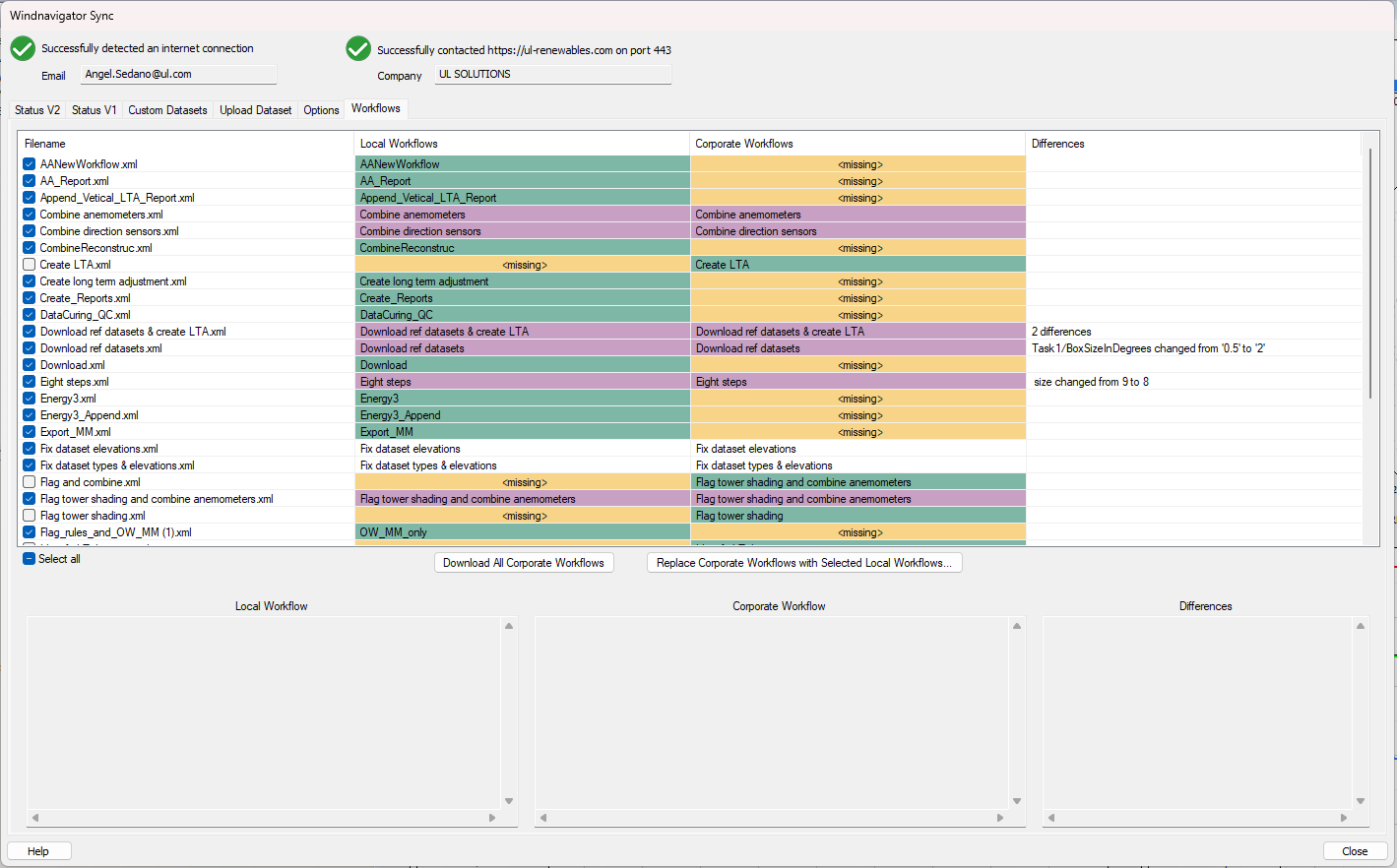
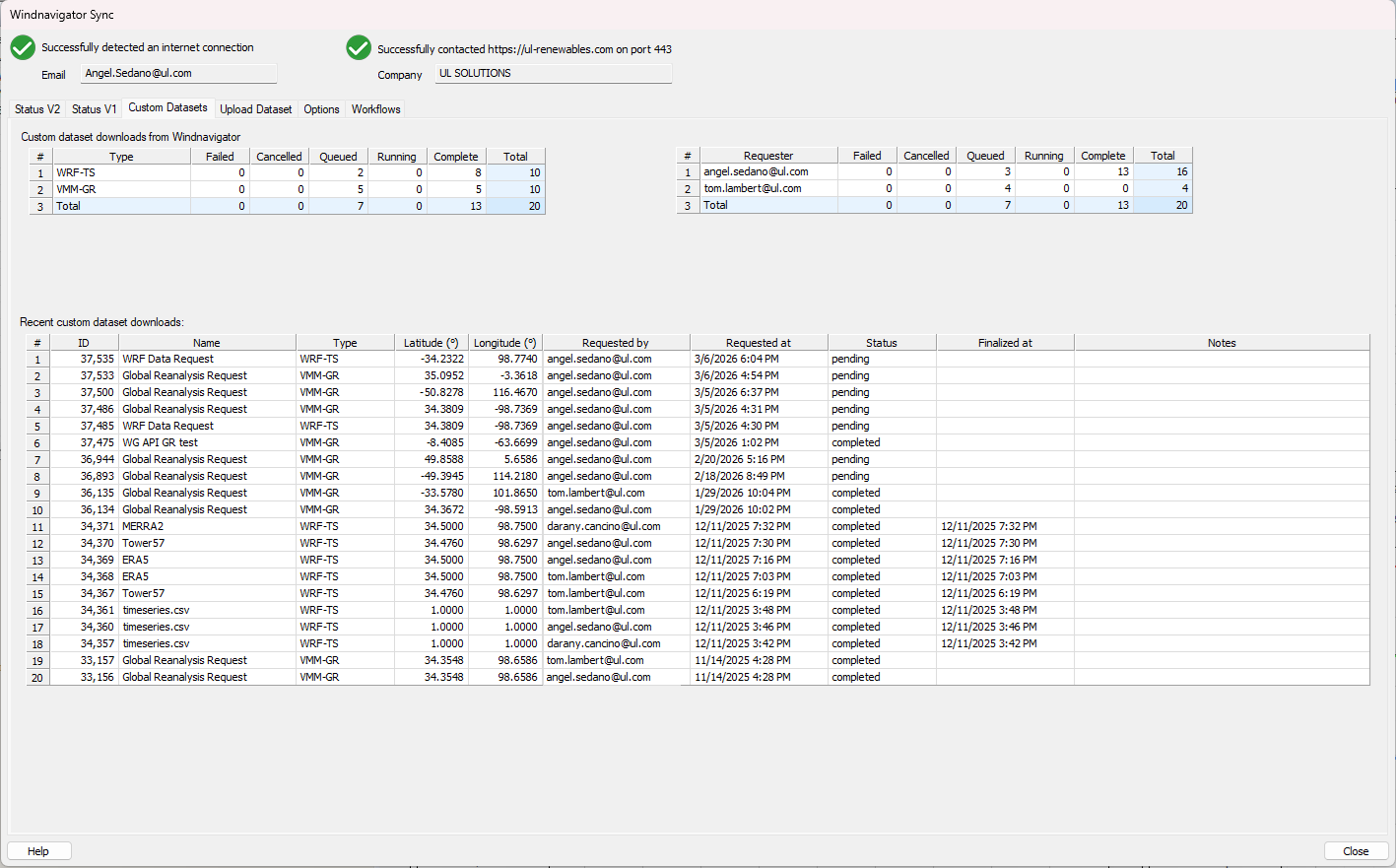
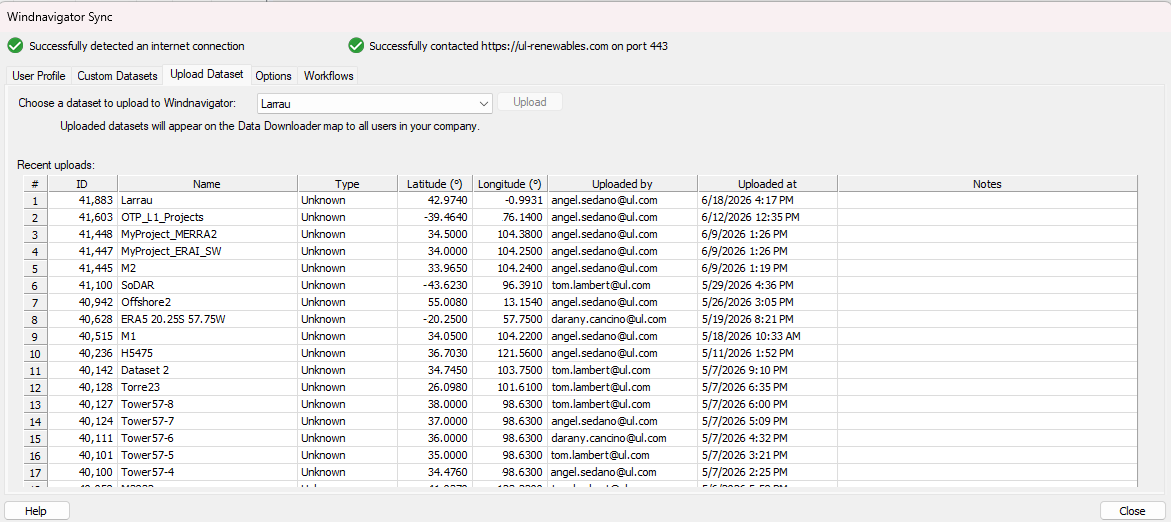
Synchronize Corporate Options, Corporate Workflows and Corporate Datasets through your corporate Windnavigator account.
- Consistency across your team. Share configurations and reusable processes, supporting consistent setup and easier onboarding.
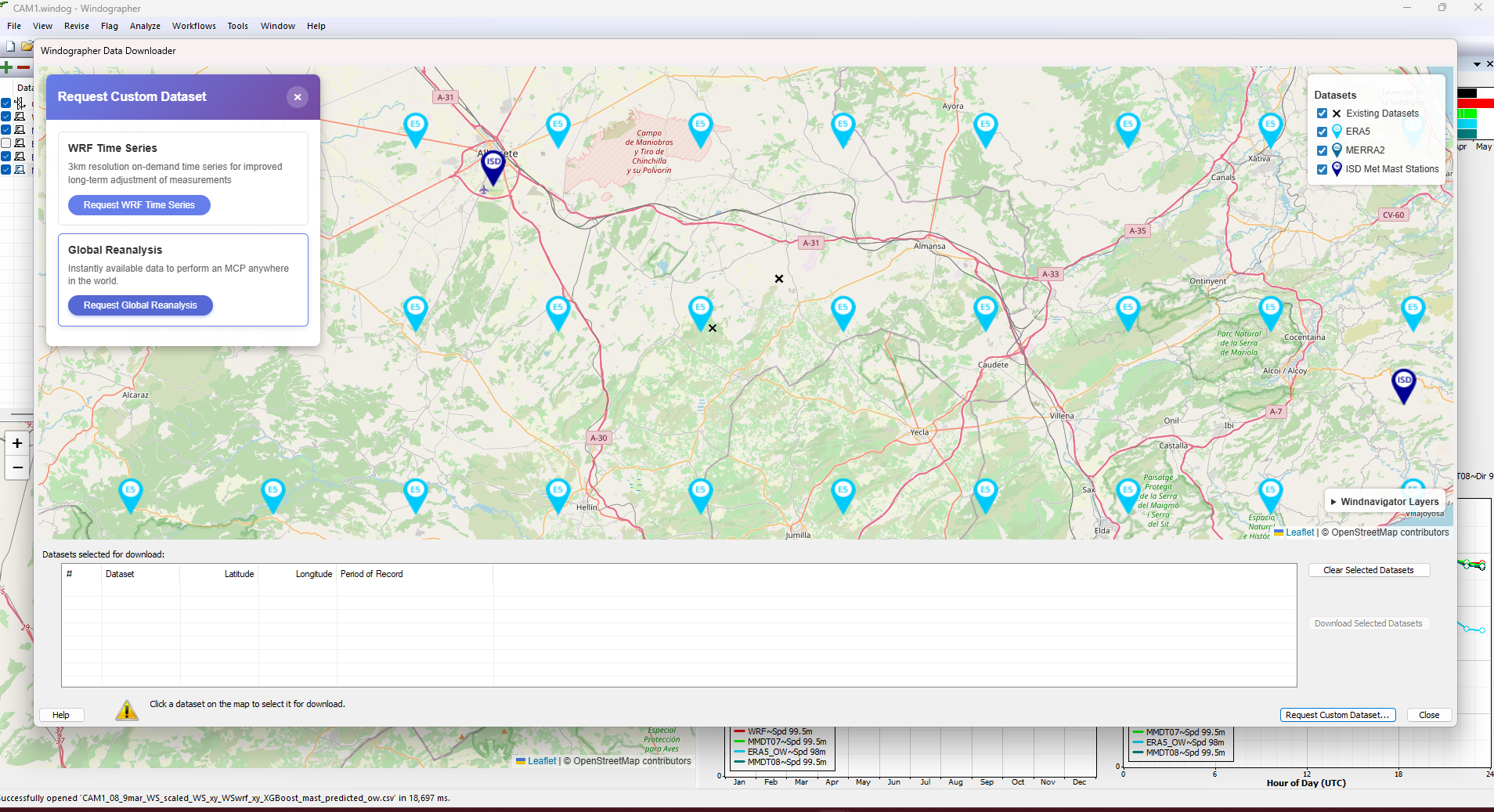
- Request, upload and share data. Request custom reanalysis or WRF time series from the Data Downloader map, share requests with corporate account users and upload datasets for organization-wide access.
Multiple references. One controlled input for long-term adjustment.
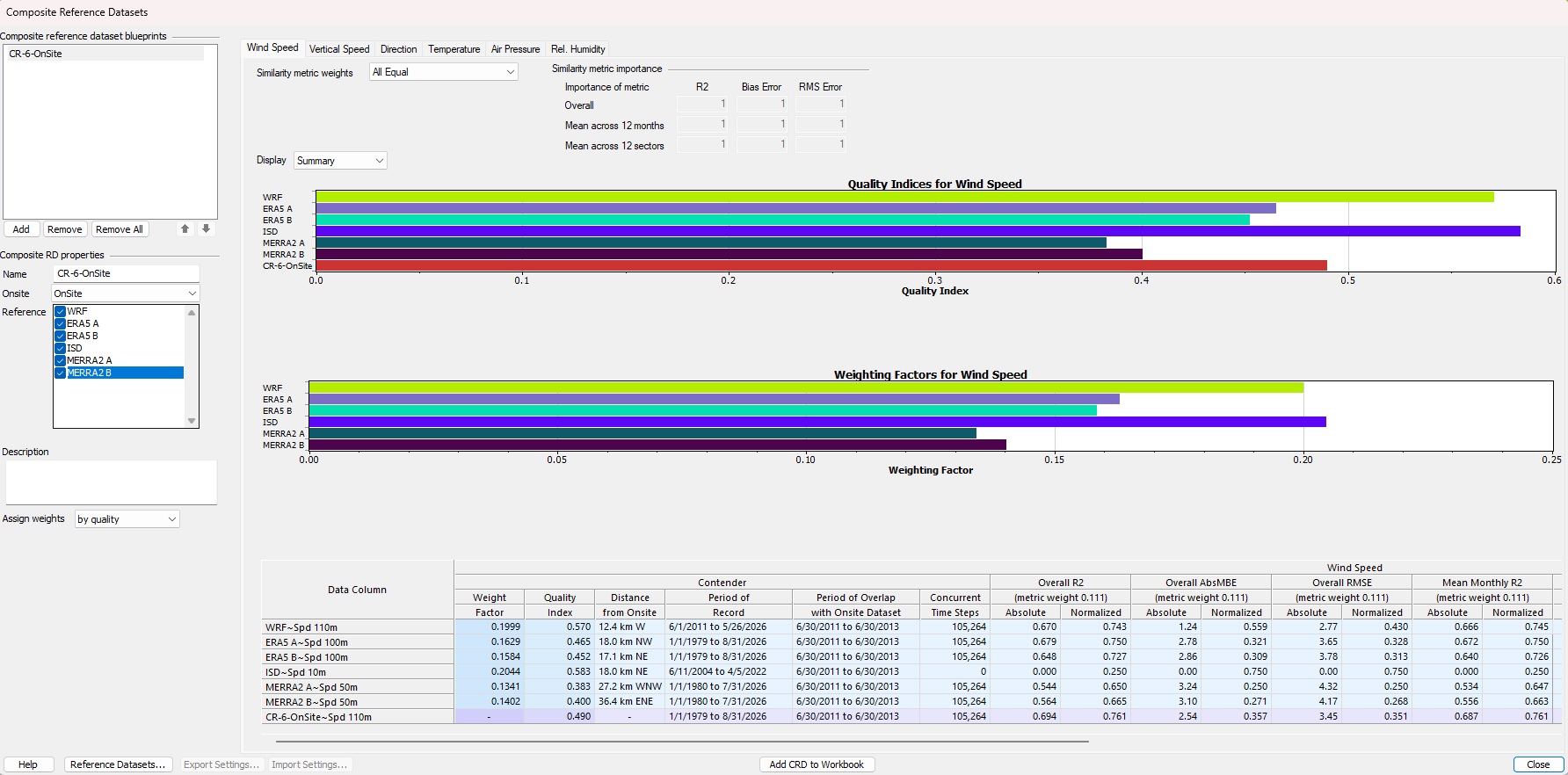
Blend complementary reference datasets rather than rely on a single source. Build a reference around the site and examine how each source contributes.
- Choose your weighting strategy. Use equal, distance-based, quality-based, statistically optimized or expert-defined weights. Quality weighting can consider R², RMSE and bias, including seasonal and directional performance.
Make reference selection an explicit, controlled part of your assessment.
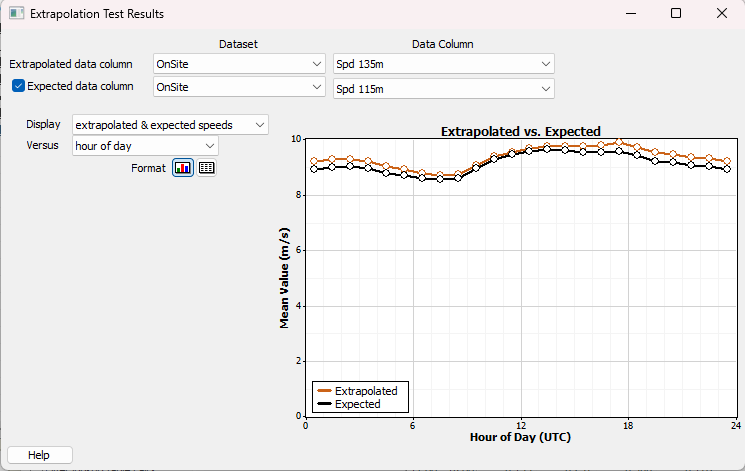
Test the configuration. Then create the sensor.
Compare a proposed extrapolated wind-speed series with measurements at another height or from a nearby remote-sensing device.
- Review, refine and repeat. Inspect the statistical results and adjust the configuration before generating new sensors.
Support extrapolation choices with a direct comparison against available measurements.
Bring tower-shadow detection into your quality-control process.
Combine customizable flagging rules with tower-shadow detection to identify affected data.
- Use boom orientation or automatic detection. Include tower-shadow detection within your validation process.
- Reuse device-specific rules. Organize rules in subfolders by device type and apply them through Workflows.
Keep quality control consistent and review processing steps through Workflow logs.

FAQ
What is Workflows in Windographer 6?
Workflows allows users to create and execute sequences of tasks—such as data cleaning, validation, and long-term adjustment—automatically. This reduces manual effort, improves consistency, and accelerates wind data analysis.
What types of tasks can be automated?
Workflows in Windographer 6 supports automation of:
• Data ingestion and folder monitoring
• Device-specific validation and flagging (e.g., tower shading)
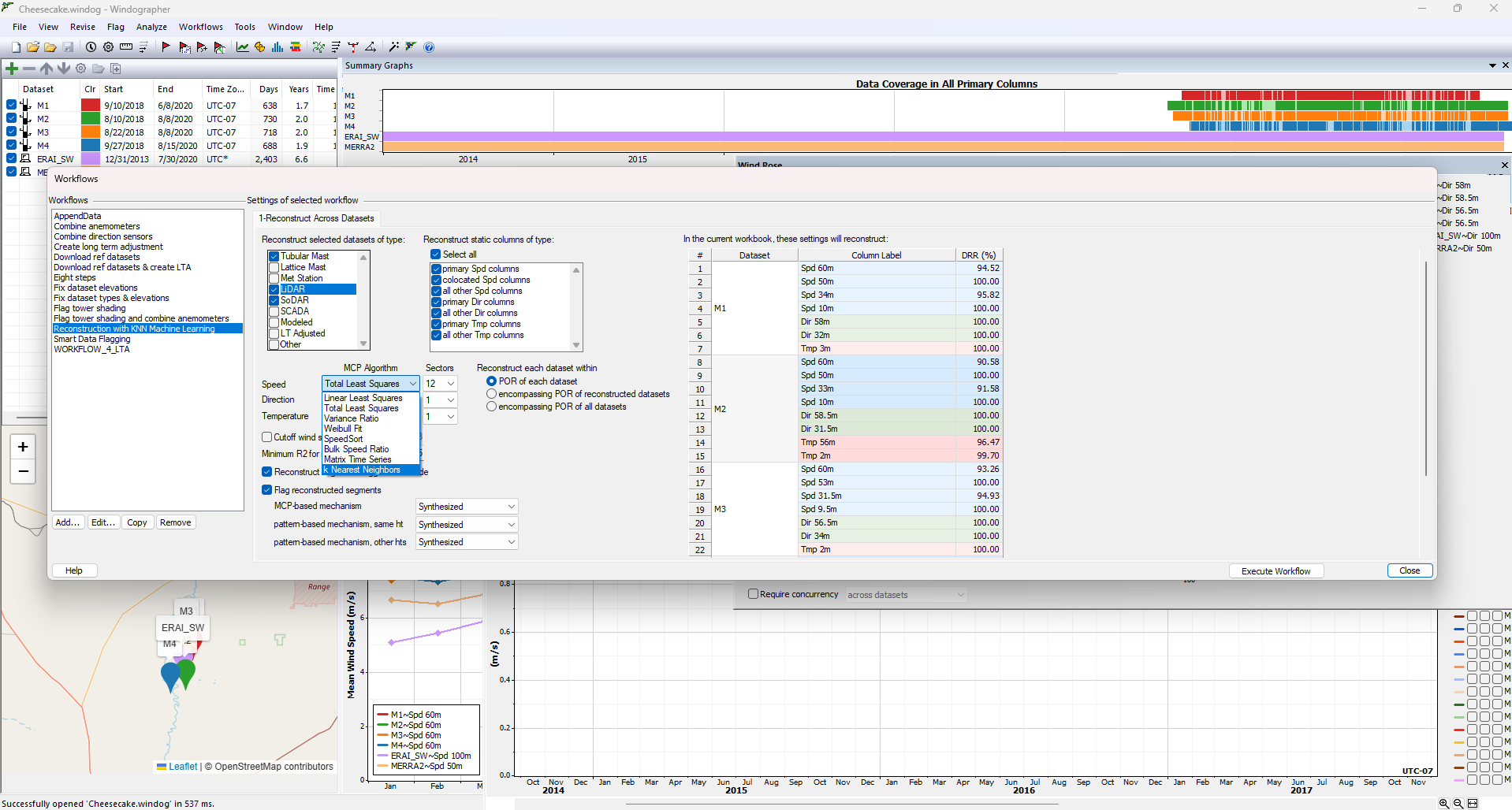
• Data reconstruction using machine learning (e.g., KNN)
• Long-Term Adjustment (LTA)
• Export to energy estimation tools like Openwind
What is new in the Long-Term Adjustment (LTA) task in Workflows?
LTA is a critical step in wind resource assessment, where short-term on-site measurements are adjusted using long-term reference data to reduce uncertainty.
In Windographer 6, this process is fully automated through Workflows, especially valuable when working with multiple on-site datasets. Analysts need to define a primary dataset and a reference dataset, then adjust the primary and use it to calibrate the remaining on-site datasets.
Choosing the optimal combination of primary and reference datasets is key to minimizing uncertainty. Previously, this required manually testing multiple configurations.
Now, the LTA task within Workflows automatically generates all possible combinations, ranks them by uncertainty, and presents the best options—empowering analysts to make data-driven decisions with confidence and ensuring the lowest possible uncertainty for wind project development.
How does Workflows improve speed and efficiency?
Instead of manually repeating steps for each dataset, users can configure a workflow once and run it across multiple datasets in minutes, saving hours of repetitive work.
How does Workflows ensure consistency and accuracy?
Workflows apply standardized rules and logic across all datasets, minimizing human error and ensuring uniform results—especially valuable for teams working on multiple projects.
Can Workflows be shared across teams?
Yes. Workflows can be saved, reused, and shared across your organization, helping scale best practices and align teams.
Is there transparency in Workflows processes?
Absolutely. Every workflow run is logged with detailed records of each step, giving users full visibility and control over data handling and transformations.
How does Workflows support data-driven decisions?
By automating repetitive tasks and ensuring consistent, traceable outputs, Windographer 6 enables analysts to focus on interpreting results and making informed decisions with confidence.
Better evidence. More confident assessment.
Bring more control and consistency to your WRA workflow.